
Home › Blog › License Option File LOF
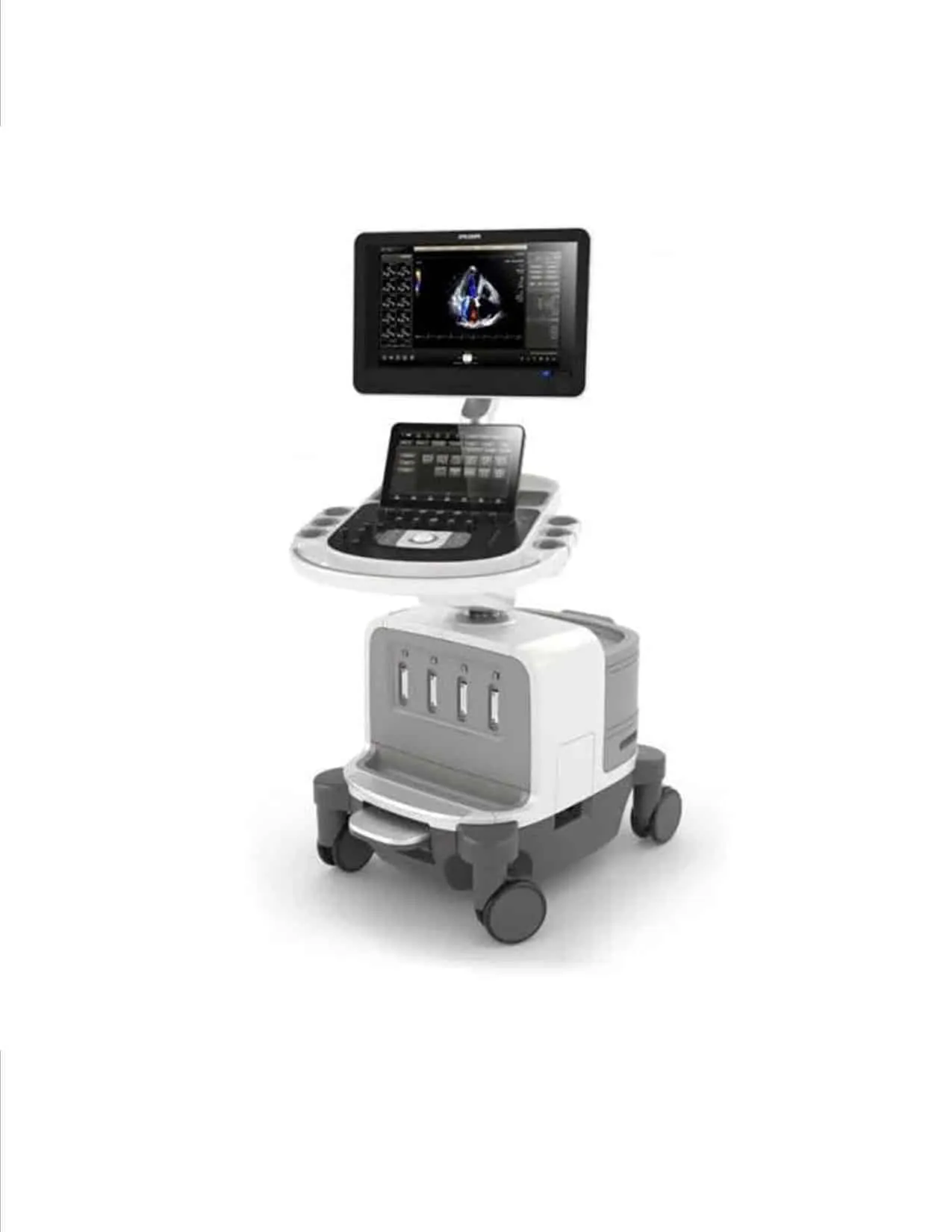
What is the License Option File (LOF) and why do I need it to upgrade my Philips Affiniti?
August 18, 2026 | Reading time: 5 minutes | Philips Affiniti, Licensing
📋 In this article:
What is an LOF?
LOF stands for Licensed Option File. It is a digital file that contains the license information for the Philips Affiniti ultrasound system. This file is unique to each system and is linked to its serial number.
The LOF enables the system to recognize and correctly function with the installed options. Without this file, the system cannot access all its functionalities.
📌 NOTE: The LOF is not the same as the software license. It is the file that contains the information for all system licenses.
Why do I need a new LOF to upgrade my Affiniti?
When a Philips Affiniti system is upgraded, the internal software structure changes significantly. This means the previous LOF is no longer compatible with the new version.
Philips official documentation (Document #453561906260004 Rev A) clearly states:
"A new LOF is required for software upgrading. For example, if you are upgrading the system to version 1.8.x for the first time, you will need the 1.8 LOF."
What options are licensed through the LOF?
The LOF contains the information for all software options installed on the system, including:
- Clinical options (Cardiology, Vascular, Obstetrics, etc.).
- Advanced imaging options (xMATRIX, nSIGHT, etc.).
- Special functionalities like MaxVue (on Affiniti 70).
- Connectivity and network options.
How to obtain a new LOF?
The LOF is obtained through the Philips website (CSPS/ISS). The process requires authorized service access. The general steps are:
- Log in to the Philips service portal with authorized technician credentials.
- Search for the system by serial number.
- Request generation of the LOF for the corresponding software version.
- Download the file and save it to a USB drive for installation.
What happens without the correct LOF?
If software is installed without the corresponding LOF, the system:
- Cannot activate licenses.
- Will display a license error message at boot.
- System options (e.g., MaxVue) will not be available.
- In some cases, the system may not start completely (DiagCode 014.XXX).
⚠️ ATTENTION: If you are installing software on a demo system, you need a 22-digit temporary license code that must be obtained from the factory before starting.
Conclusion
The License Option File (LOF) is a critical component for software installation on Philips Affiniti systems. Without it, the system will not function correctly after the update.
If you need to upgrade your Philips system and do not have the new LOF, Triaxis Medical Service can help you. We manage the LOF acquisition and perform the complete installation remotely, with total security and professionalism.
Learn about all our services at remote support for Philips ultrasound .
Need to Upgrade Your Affiniti and Don't Have the LOF?
Contact us. We manage the LOF acquisition and complete the remote installation.
Request Remote Installation